Support
FAQs
Remove a group
Units Management
Remove a group
-
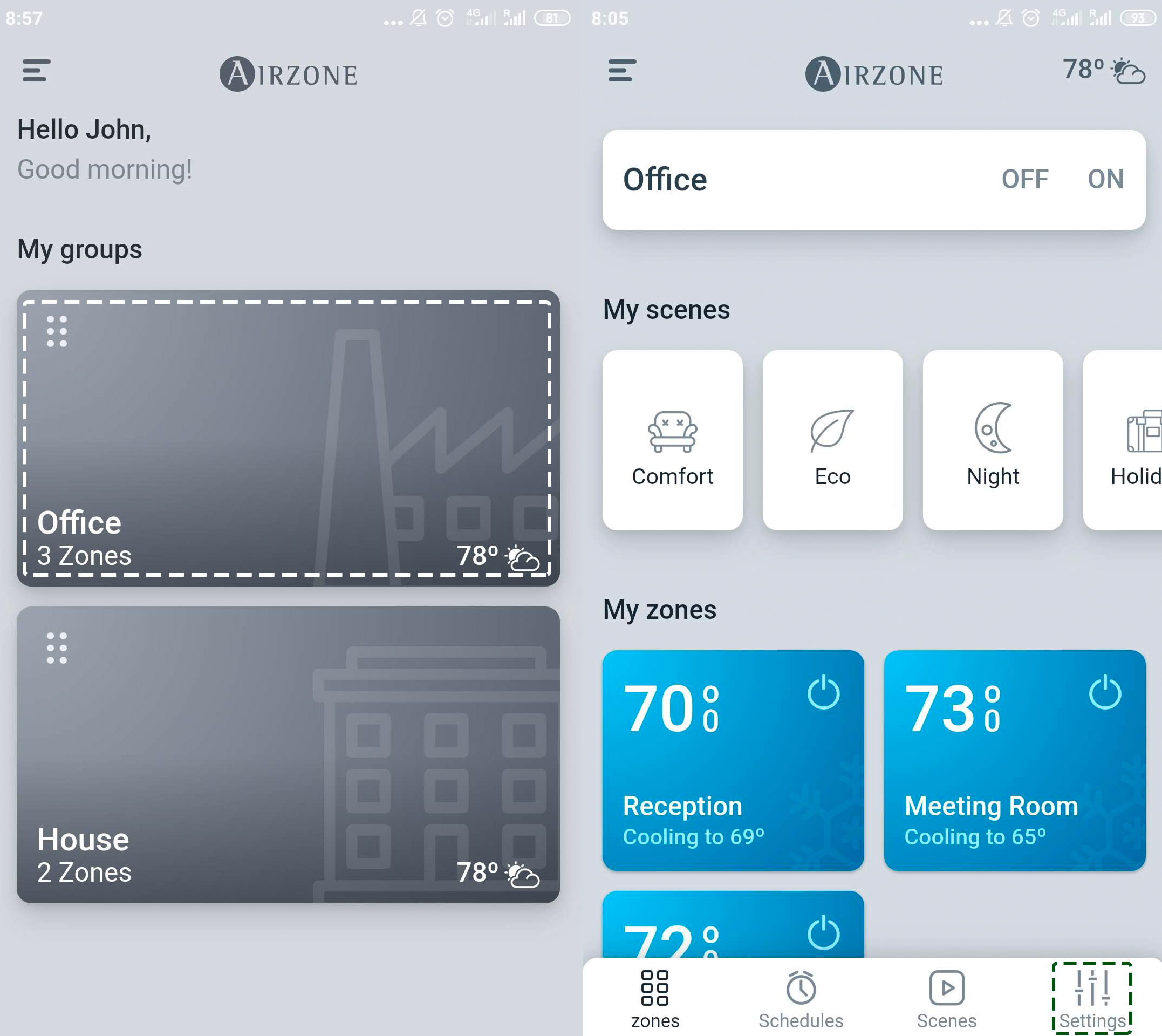
On the drop-down menu press the option Groups.
-
Press the group you wish to remove, then press Settings.
-
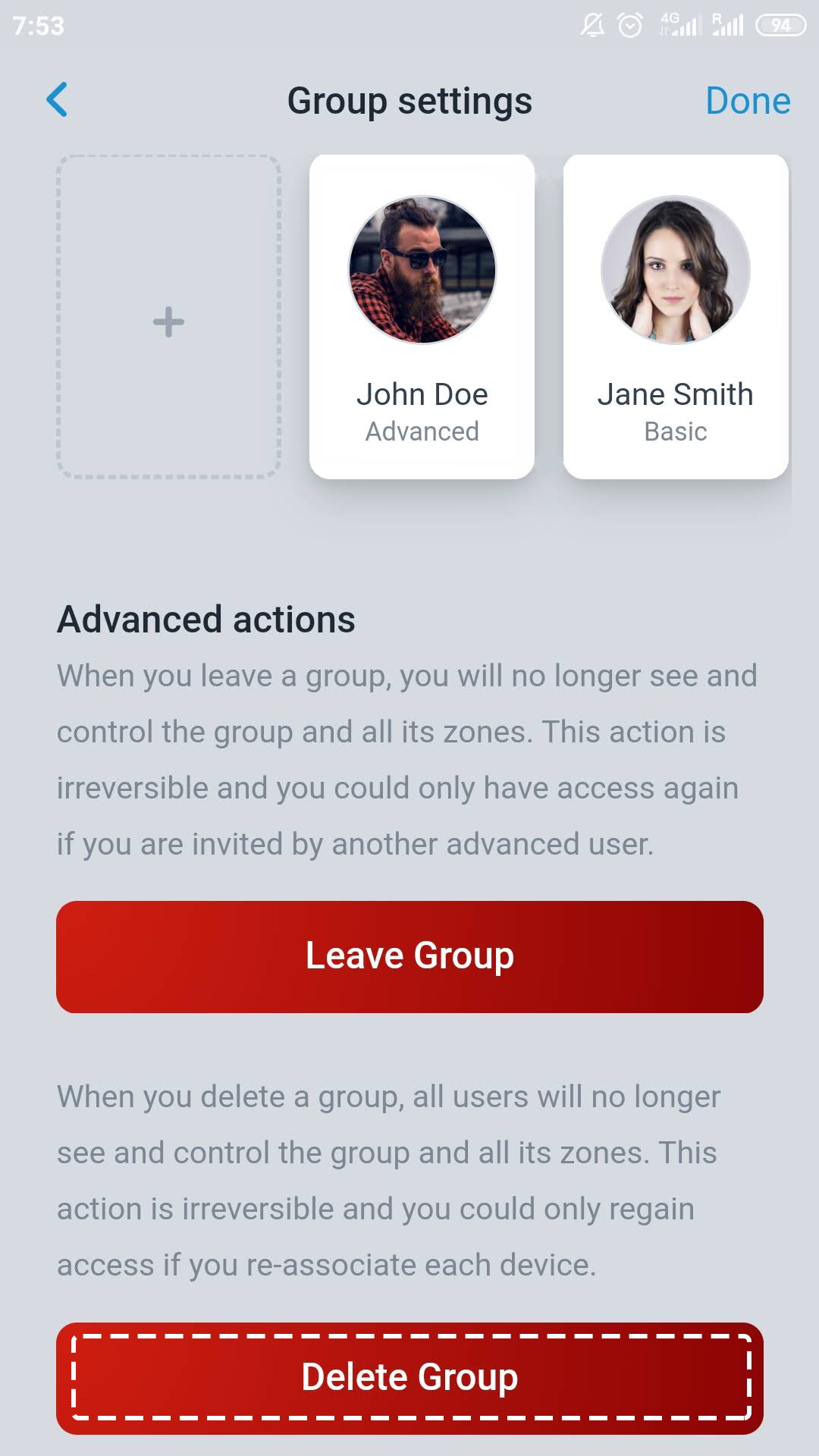
Tap Delete Group to remove the group and unlink the units associated.
3506
On the drop-down menu press the option Groups.
Press the group you wish to remove, then press Settings.
Tap Delete Group to remove the group and unlink the units associated.