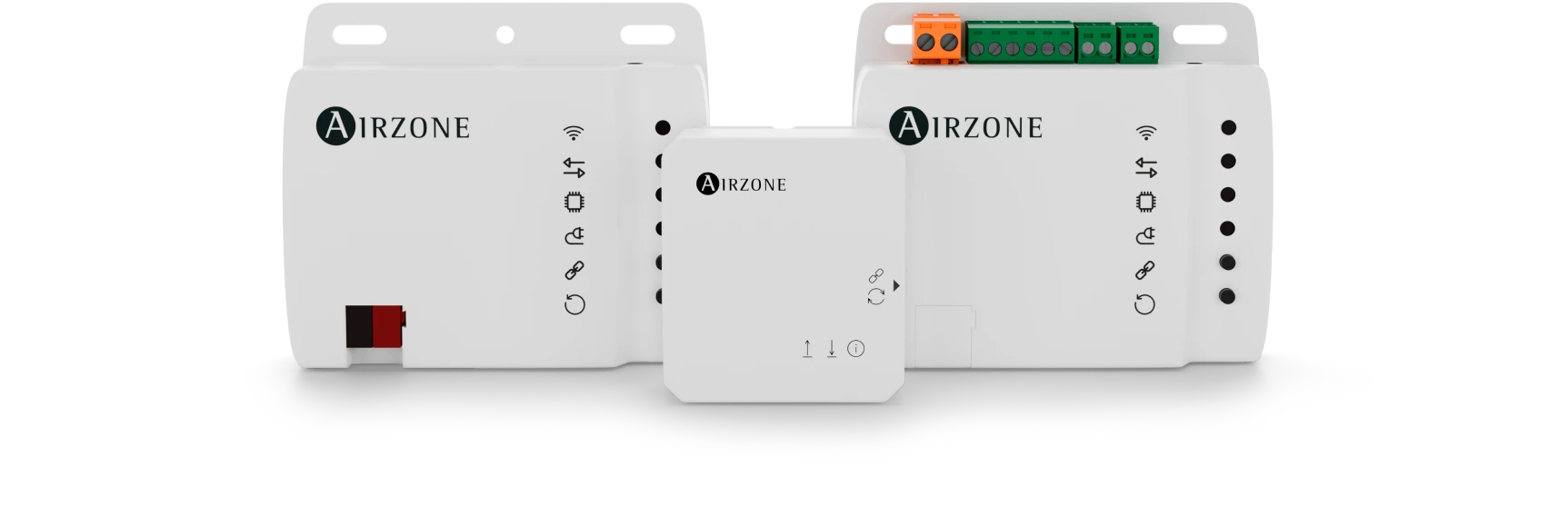

Aidoo Pro Fan Coil
Advanced connectivity for fan coil systems in buildings
Aidoo Pro Fan coil line
Fan coil systems regulate the temperature of residential spaces, commercial premises, and buildings using hot or cold water and ventilation. The Aidoo Pro Fan coil line connects these units to control systems to manage building HVAC.
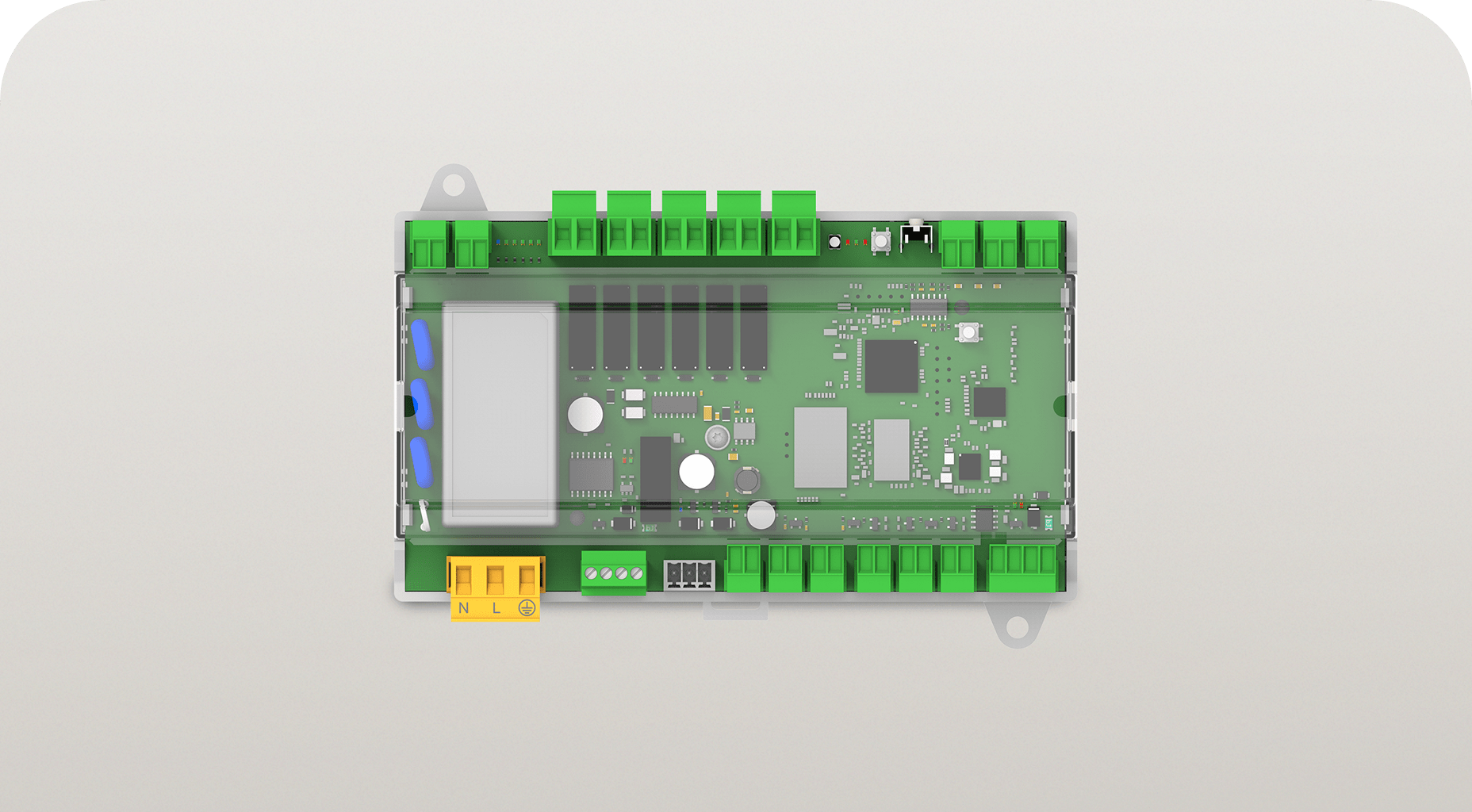
Aidoo Pro Fancoil
Device for integrating fan coil units into building HVAC systems.
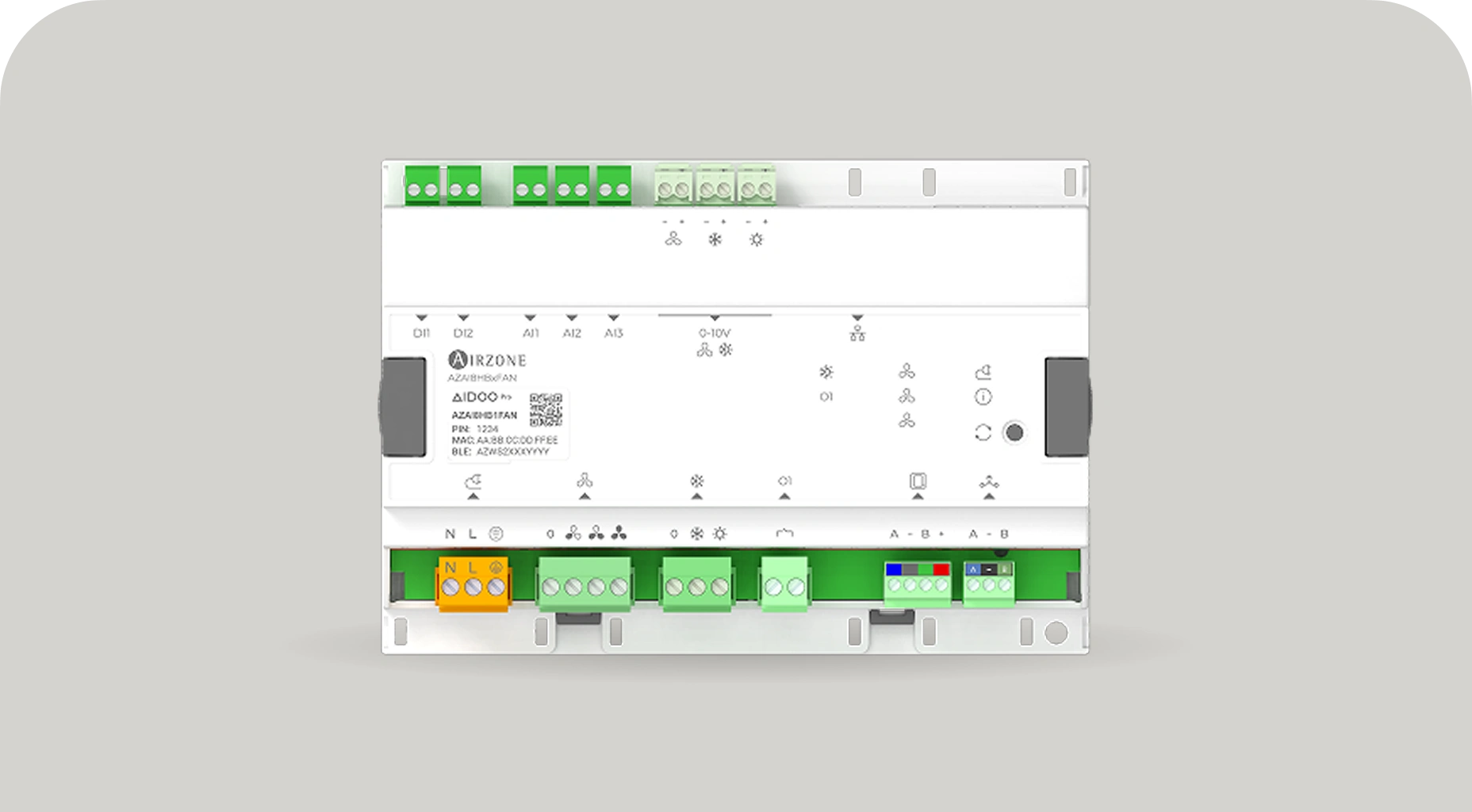
Aidoo Pro HUB Fan coil
Device with Ethernet and digital inputs to integrate fan coil equipment in buildings.
Complete control for new and existing fan coil systems
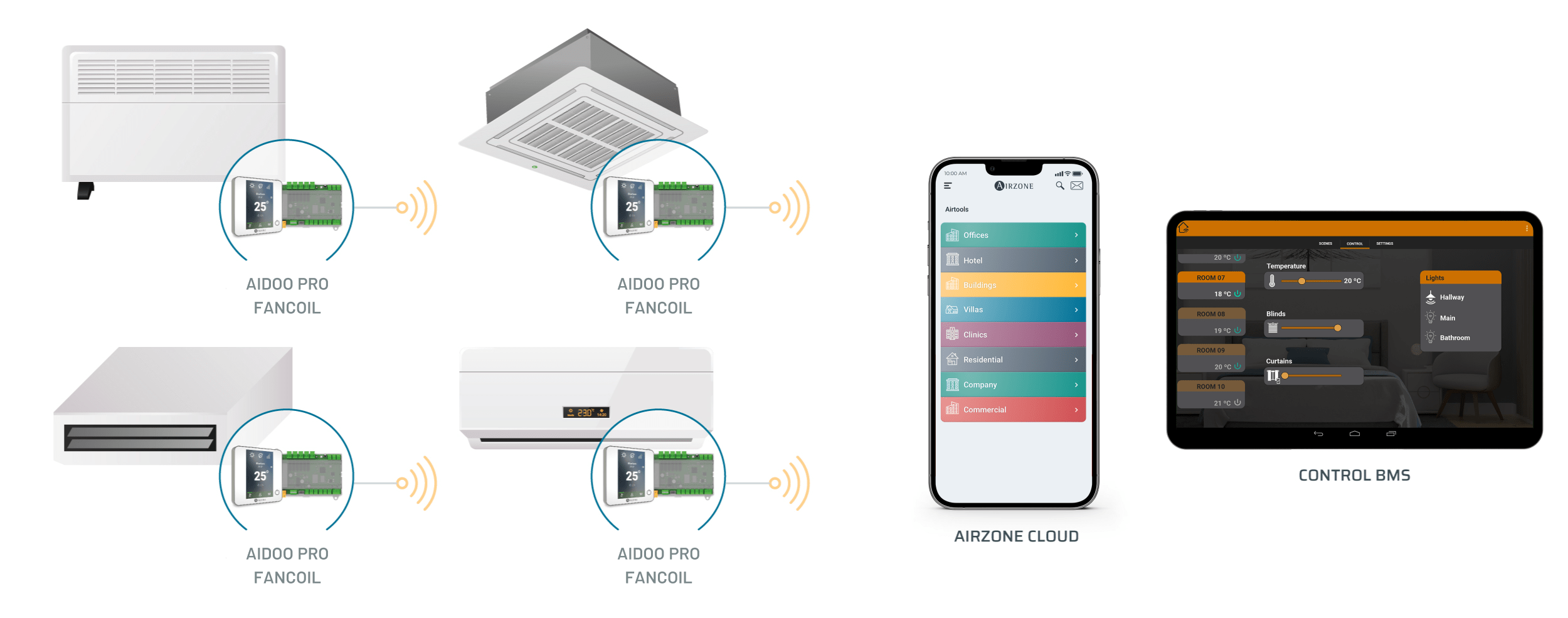
Aidoo devices connect fan coil units with Airzone Cloud and building management systems to monitor and control HVAC from a single platform.
Compatible with multiple fan coil types
The Aidoo Pro Fan coil line adapts to different types of fan coil units, including wall-mounted, cassette, ducted, or floor units. It works with both new and existing installations.
2 pipes
4 pipes
3 speeds
0-10 V control
Proportional valves
All/nothing valves
Aidoo Pro Fan coil
Integration technology for fan coil unit control
Regulates the fan and valves of the fan coil unit with precision, adapting to different installation settings and HVAC system operating schemes.
Aidoo Pro Fan coil features

Control of on/off solenoid valves or 0–10 V signal
-
aidooProFancoil.section.fancoilPro.features.2
-
Supply temperature detection for automatic mode switching
-
Connection to Blueface thermostat or room temperature probe
-
Open window and occupancy detection configuration
-
Integration into HVAC control systems
Aidoo Pro HUB Fan coil
Advanced integration and configurable control for fan coil systems
Aidoo Pro HUB Fan coil is the new solution with Ethernet connectivity and configurable digital inputs to expand HVAC control options in professional installations.
Aidoo Pro HUB Fan coil features
-
Ethernet connection for more stable wired communication in professional installations.
-
Configurable digital inputs to expand system control options.
-
Integration with Modbus and BACnet protocols in centralized control systems.
-
Compatibility with Airzone thermostat, AirQ Sensor, and AirQ Box.
-
New “Heating stages” parameter: enables combining primary heating control with a radiant stage, optimizing comfort and system thermal management.
-
New device labeling that makes connection identification easier during installation.
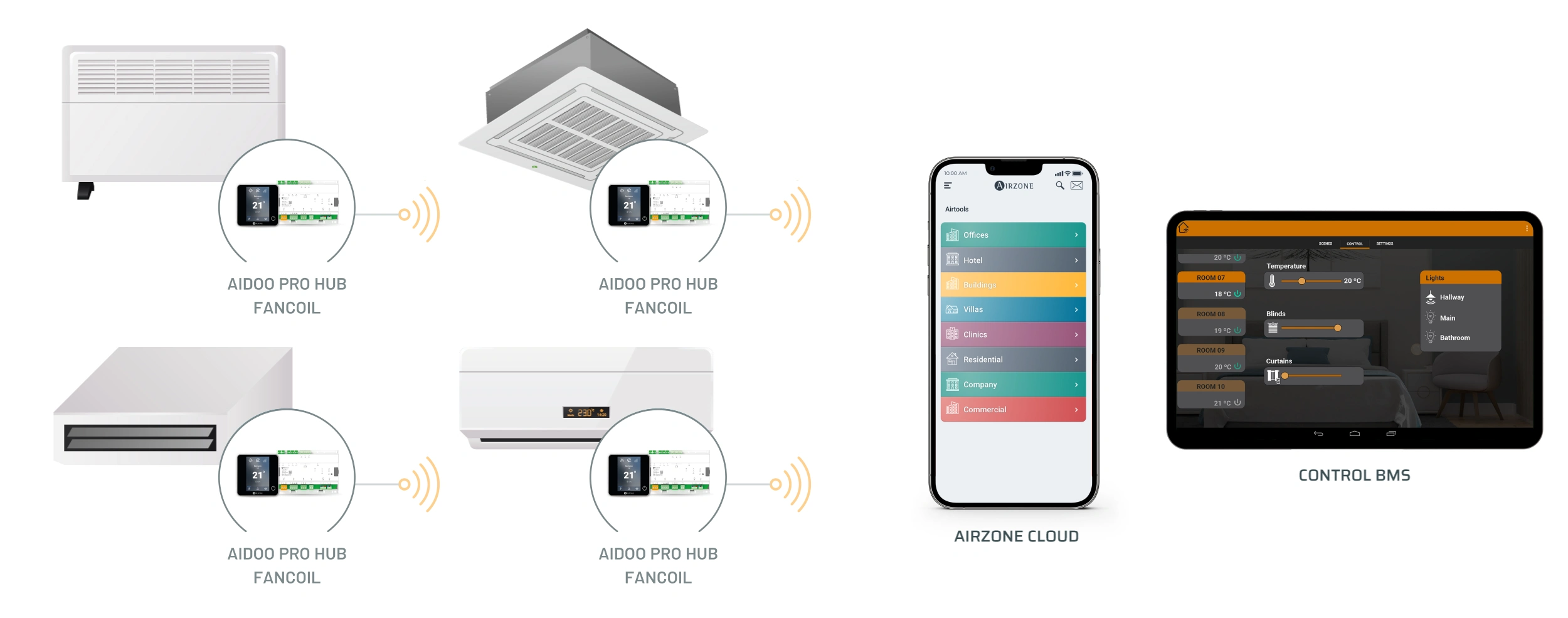
From individual fan coil units to large-scale systems
Aidoo Pro Fan Coil and Aidoo Pro HUB Fan Coil devices enable monitoring and control of fan coil units from Airzone Cloud or building management systems, both individually and in multi-unit applications.
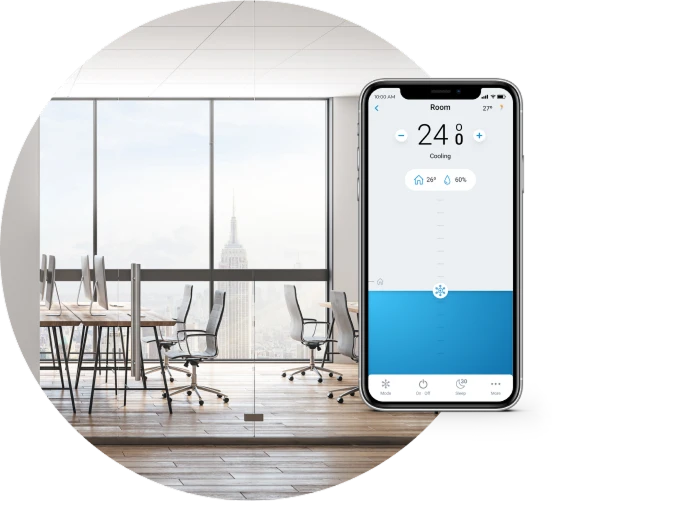
Individual AC unit control
Each device (Aidoo Pro Fan coil or Aidoo Pro HUB Fan coil) manages an individual AC unit. From the Airzone Cloud app, you can control:
-
Switching on/off
-
Set-point temperature selection
-
Fan speed selection
-
Automatic mode change
-
Time schedules
-
Steady ventilation
-
Dehumidifier function
-
aidooProfancoil.sections.individualEquipment.firstList.item_8
Control of large installations
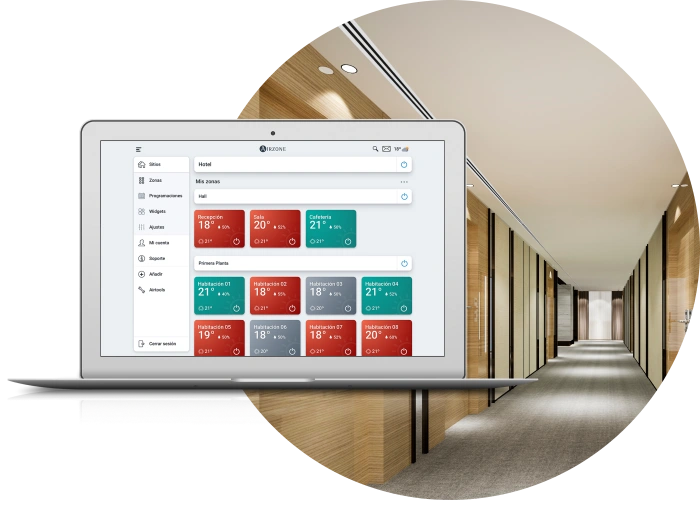
Individual fan coil units, each controlled by an Aidoo Pro Fan coil device, can be managed in groups via the app Airzone Cloud, making it easier to maintain large installations.
Control options for groups of AC units:
-
Switching on/off
-
Set-point temperature selection
-
Automatic mode change
-
Time schedules
Plug&Play integration with the Aidoo Pro Fan coil line
Devices in the Aidoo Pro line integrate fan coil systems into home automation solutions and building management systems without additional development or programming.


Airzone Blueface
touchscreen thermostat
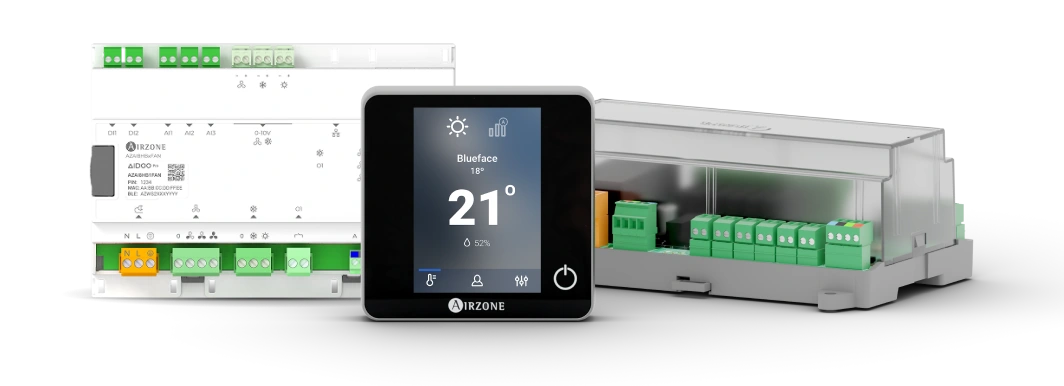
Aidoo Pro Fan coil and Aidoo Pro HUB Fan coil replace traditional fan coil unit thermostats with a more user-friendly touchscreen interface.
Switching on/off
Set-point temperature selection
Fan speed selection
Compatible with leading fan coil brands

Which Aidoo Pro Fan coil line do you need for your home or business?
Aidoo Pro types
Unit brand
AC unit model
Frequently asked questions about the Aidoo Pro Fan coil line
How to identify your fan coil unit model for Aidoo Pro Fan coil
What to do if your unit is not listed or is not compatible
Technical documentation