Support
FAQs
Delete a scene
Scenes
Deleting a scene
-
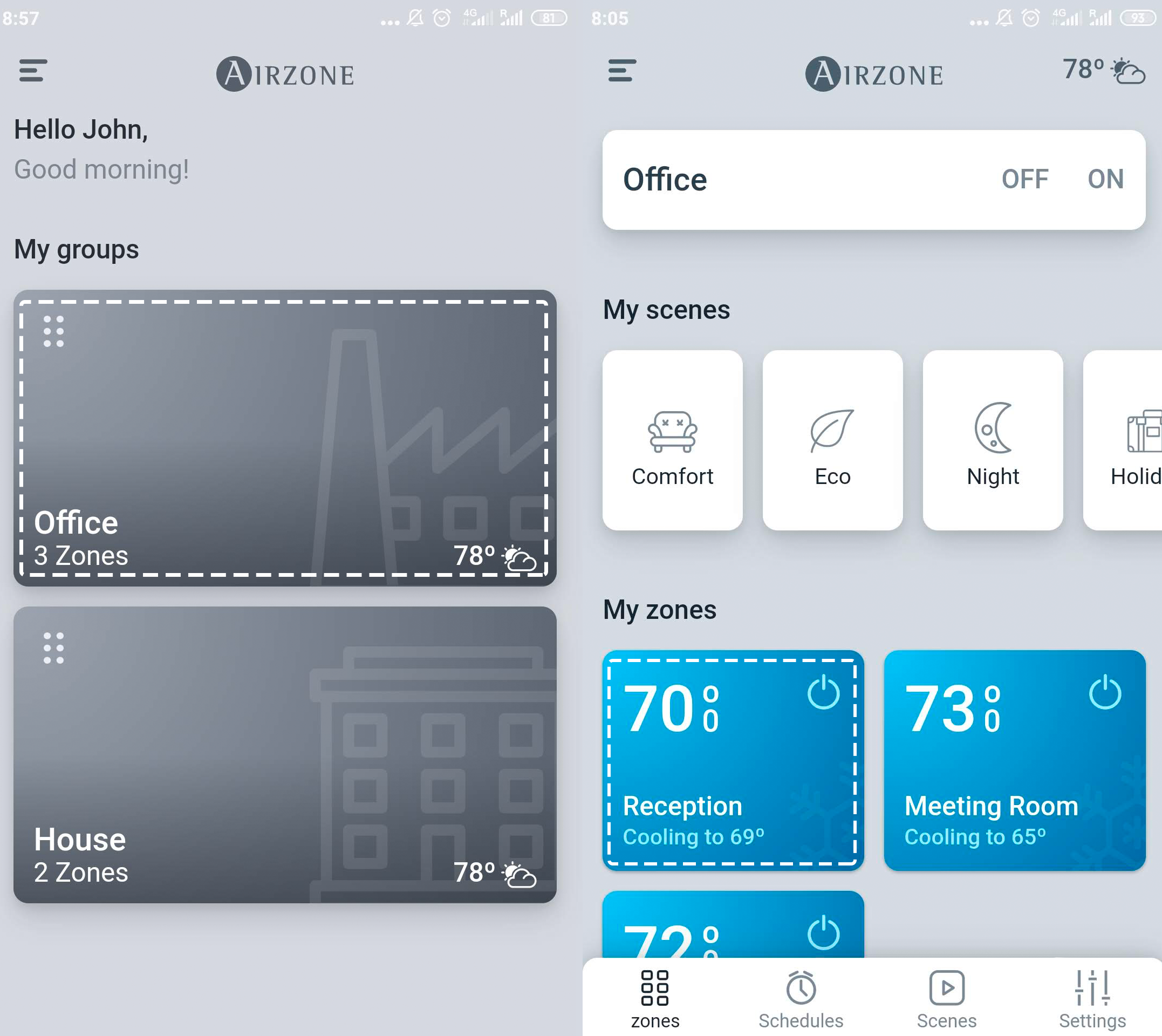
On the drop-down menu press the option Groups.
-
Press the group that includes the zone you wish to control.
-
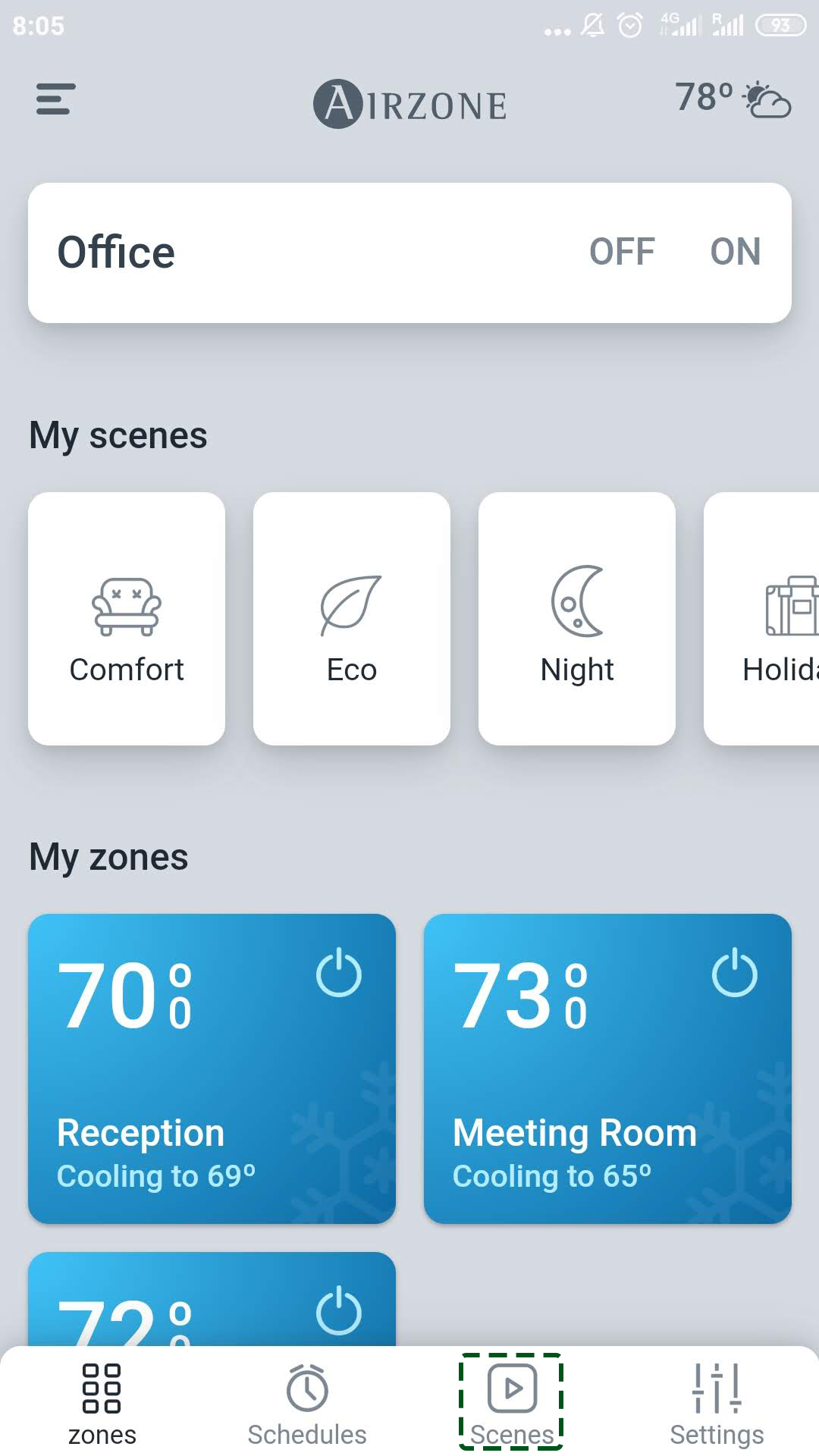
Press the scenes icon.
-
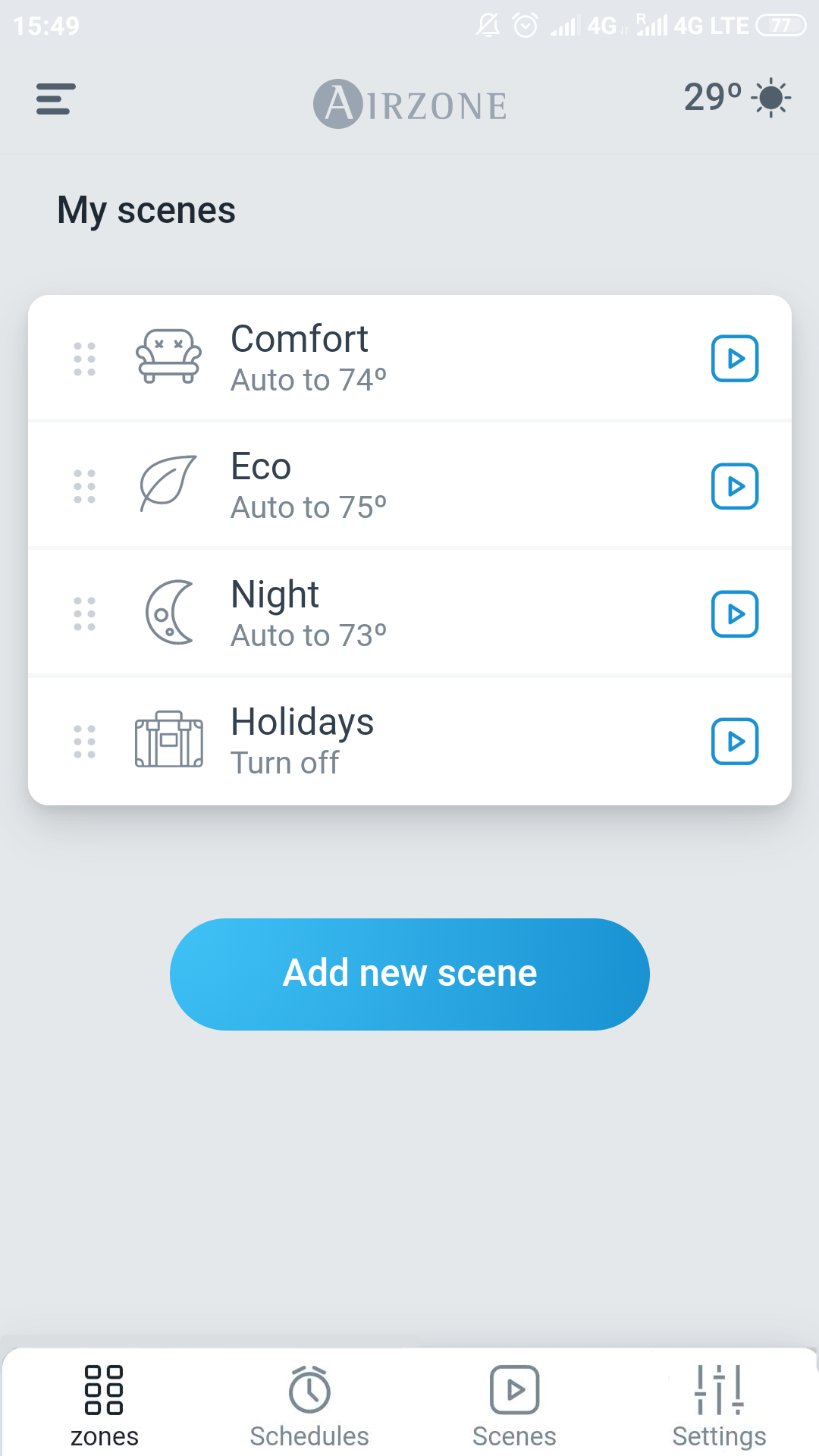
Press on the time schedule you wish to delete.
-
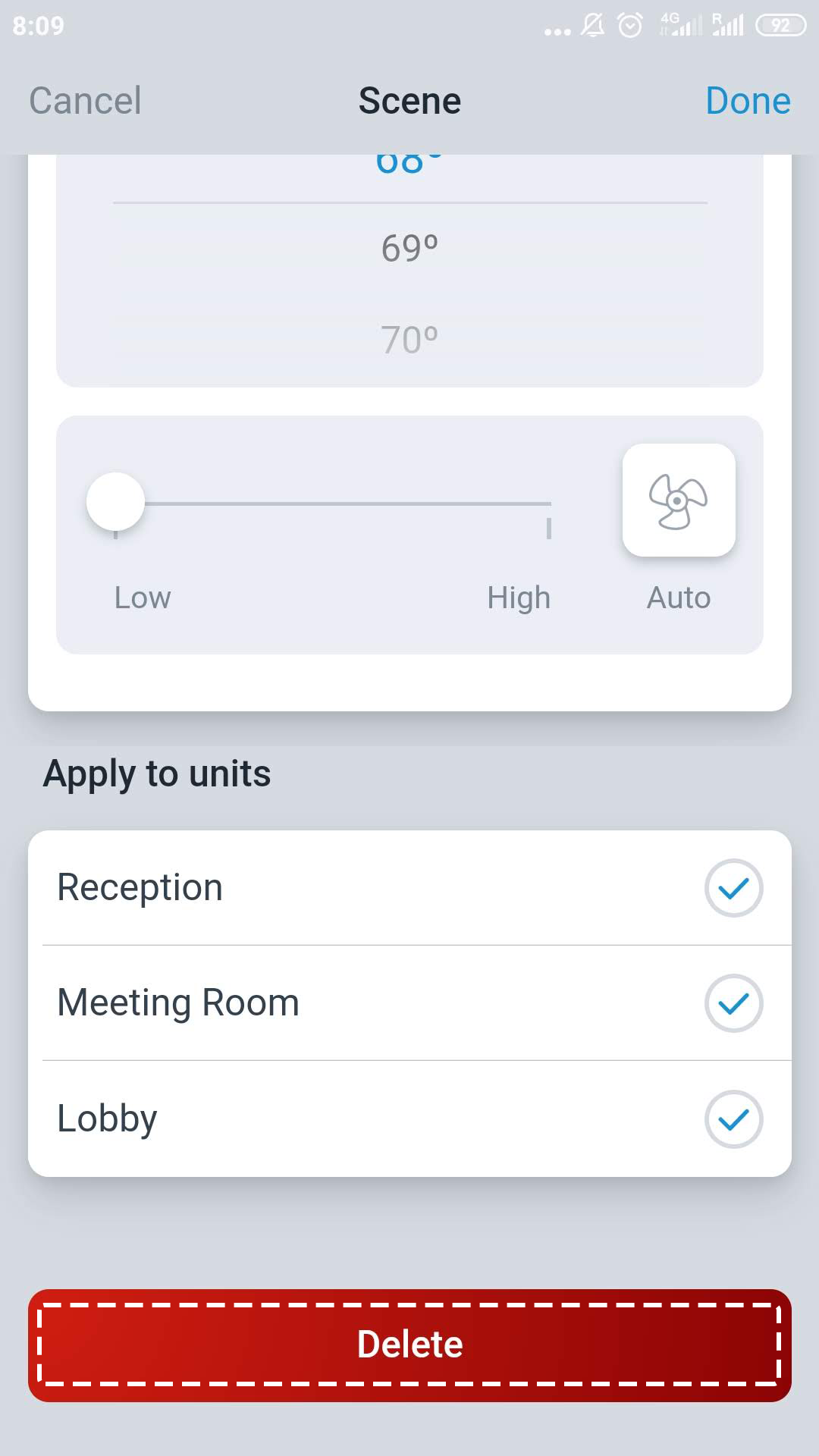
Tap Delete.
-
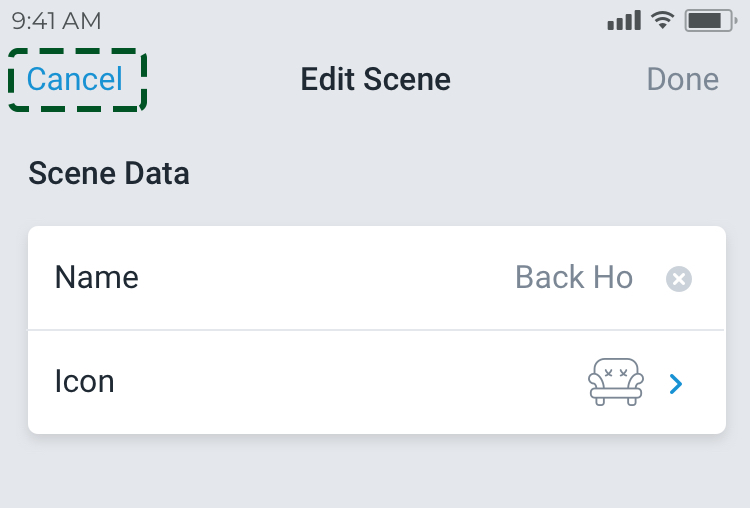
If you do not wish to delete the time schedule, press Cancel to return to the previous menu.
2925